Direct service connections
Add the service URLs and API keys you already use. Helmarr connects from your device to your own services, so there is no hosted control plane in the middle.
One app to rule them all.
 qBittorrent
shouldn't be a browser tab.
qBittorrent
shouldn't be a browser tab.
Connect directly to the services you run: Sonarr, Radarr, Lidarr, Plex, Tautulli, download clients, Unraid and SSH, from one app on iPhone, iPad and Mac.
Supported Services
 Sonarr
 Radarr
 Lidarr
 Prowlarr
 Bazarr
 Seerr
Seerr
 Plex
Plex
 Emby
Emby
 Tautulli
 Jellystat
 Tracearr
 SABnzbd
 NZBGet
 NZBHydra2
qBittorrent
NZBHydra2
qBittorrent
 Transmission
 Deluge
 rTorrent
 Jackett
 Tdarr
Tdarr
 Unraid
 Wizarr
 SSH
SSH
with more to come...
Loved by self-hosters
Real reviews from real users
App screenshots
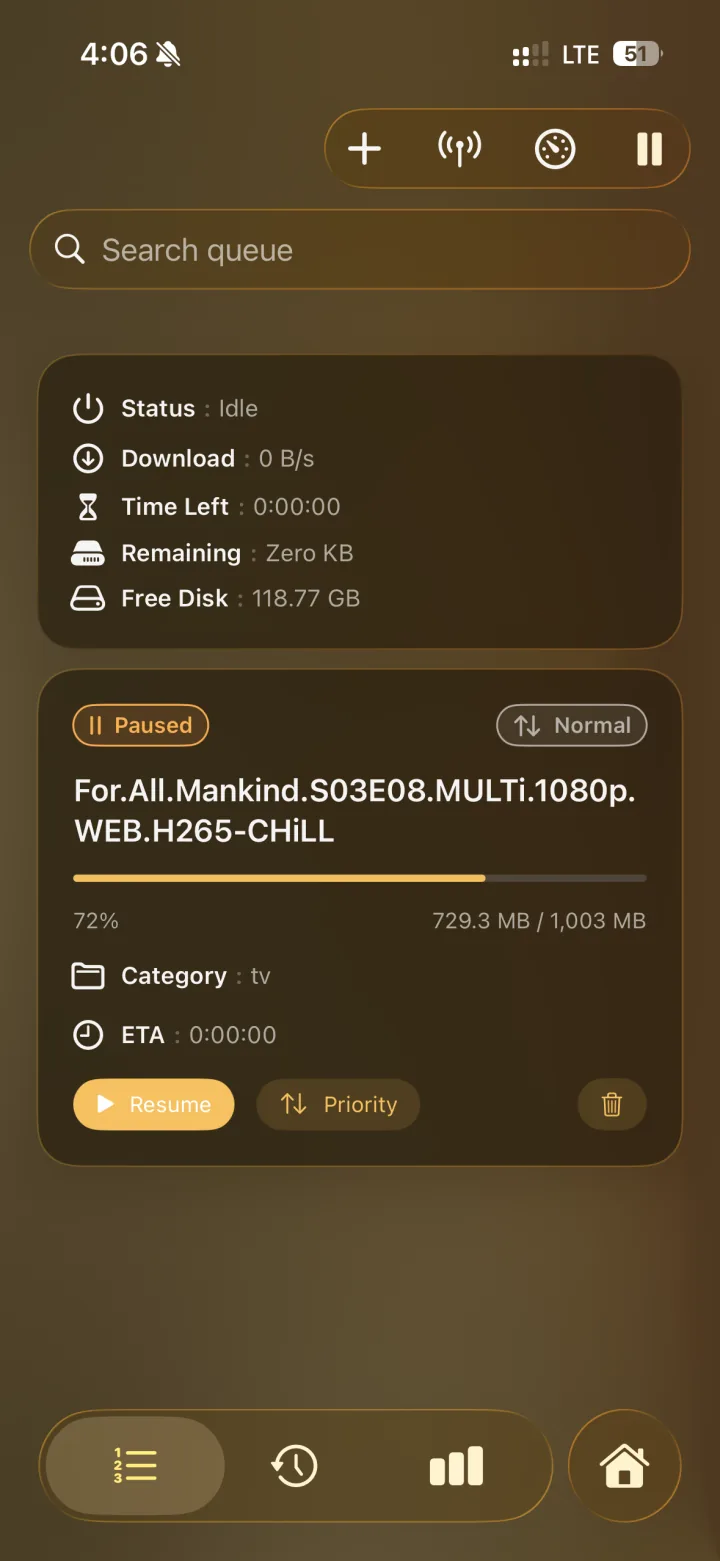
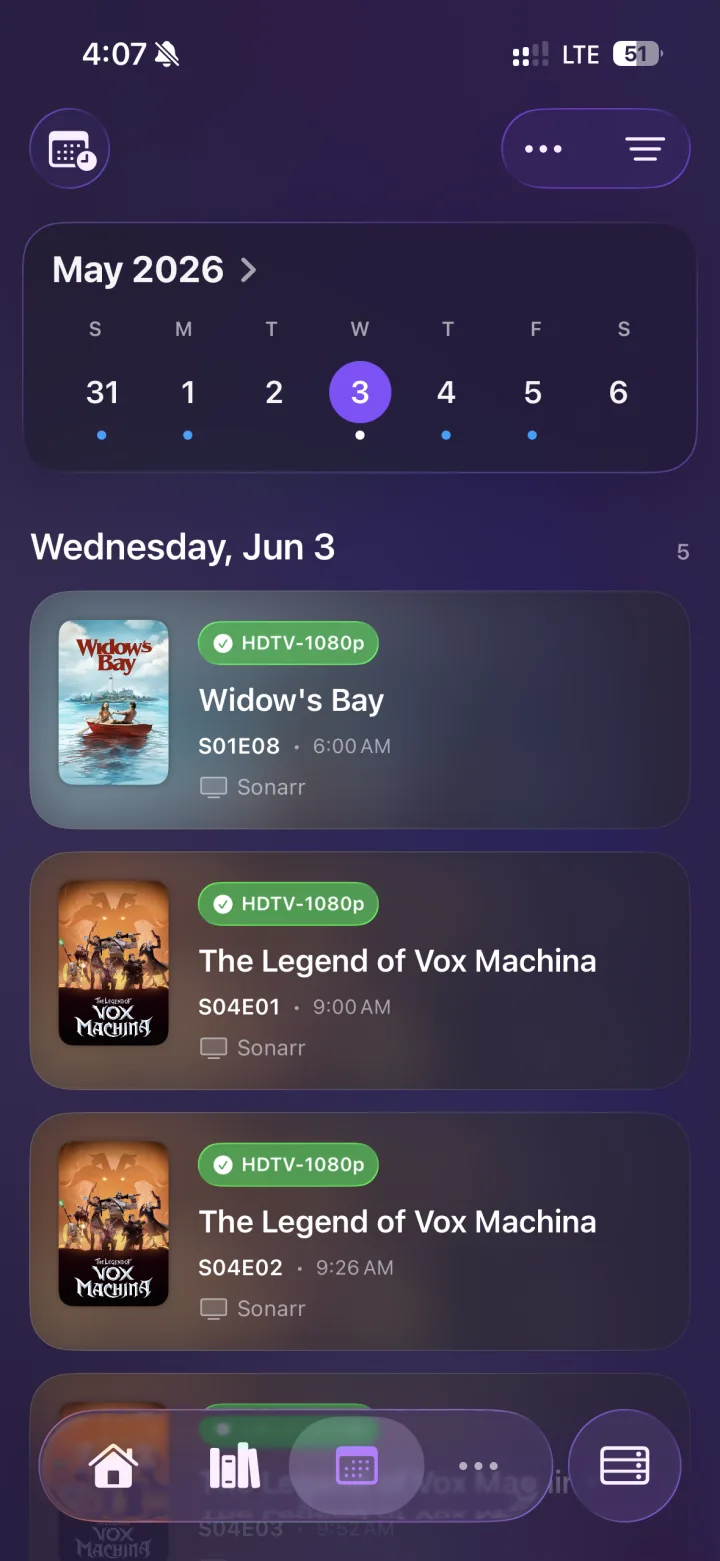
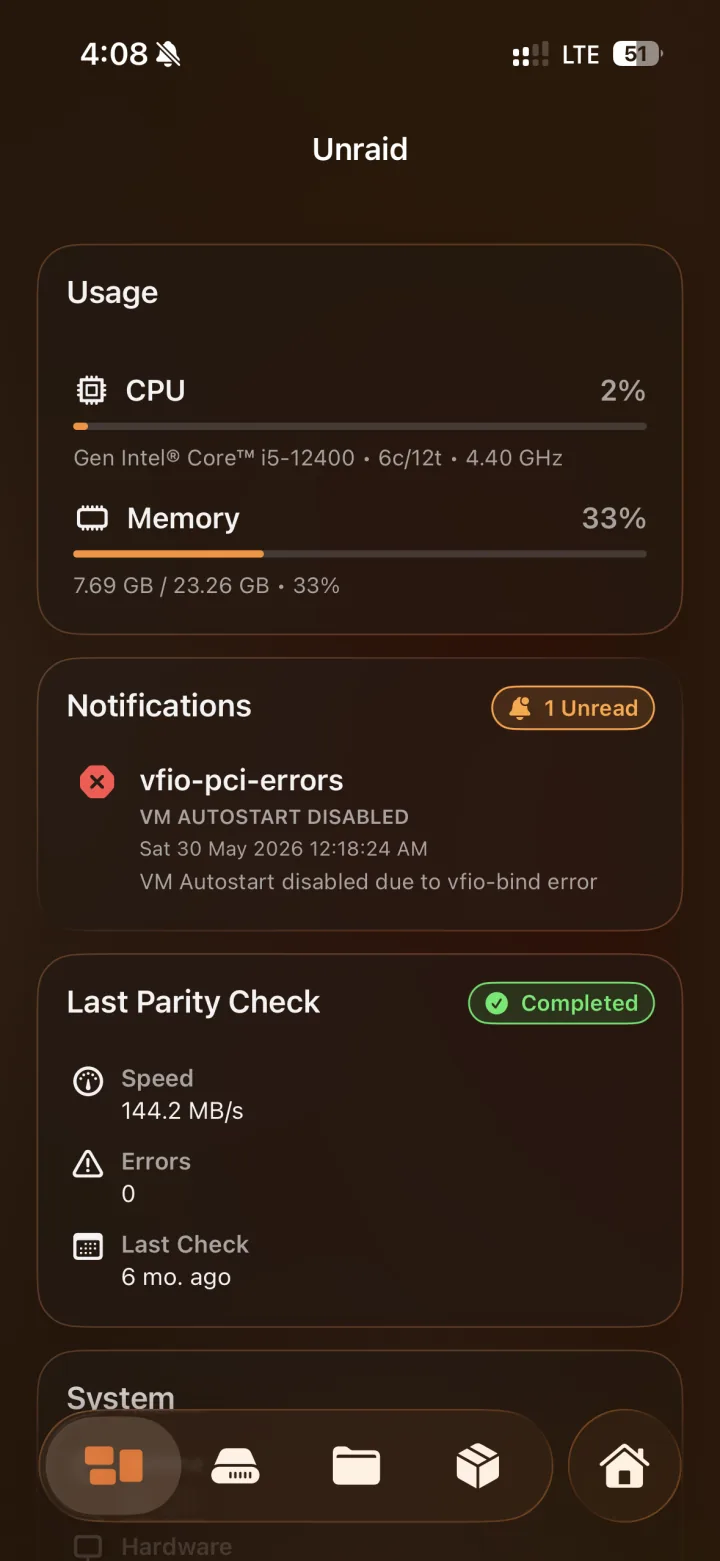
How it fits
Add the service URLs and API keys you already use. Helmarr connects from your device to your own services, so there is no hosted control plane in the middle.
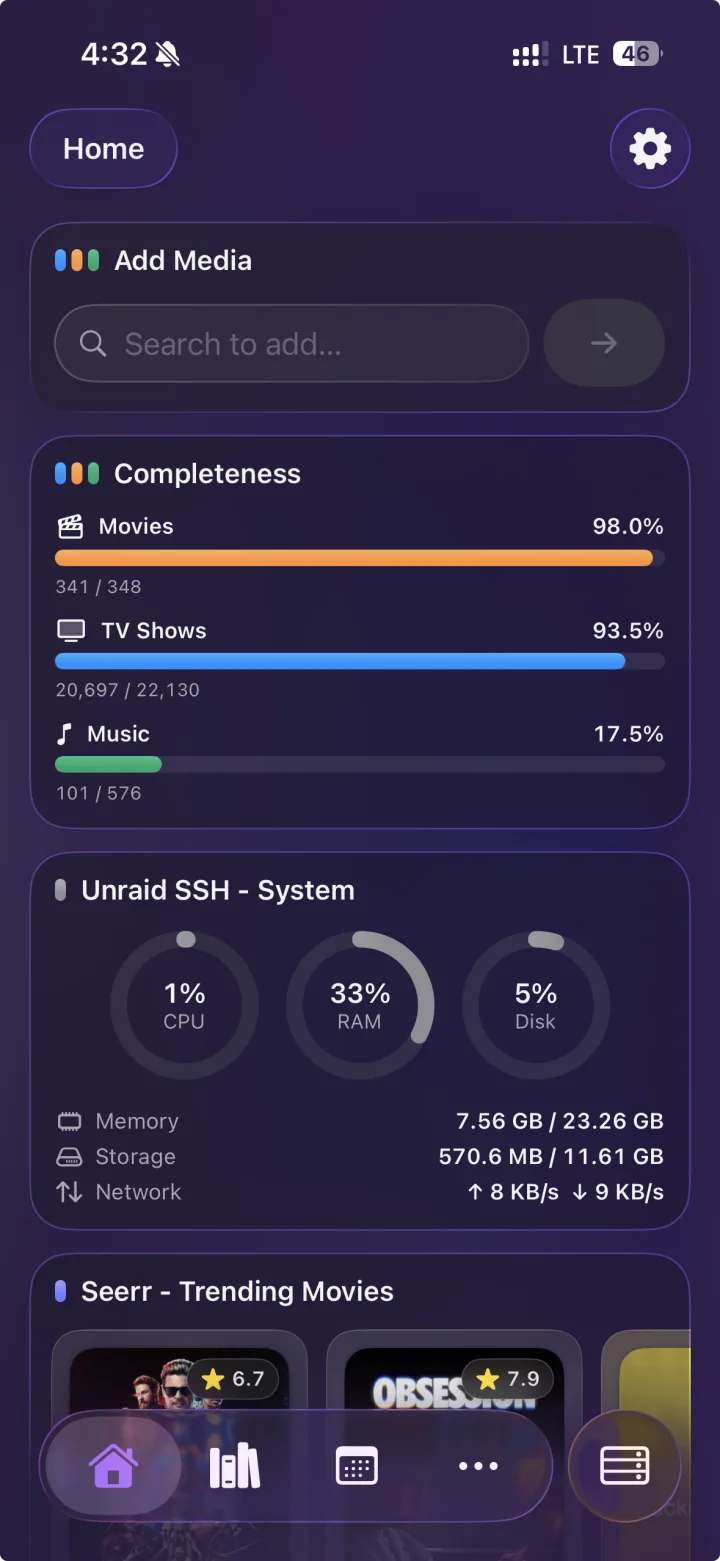
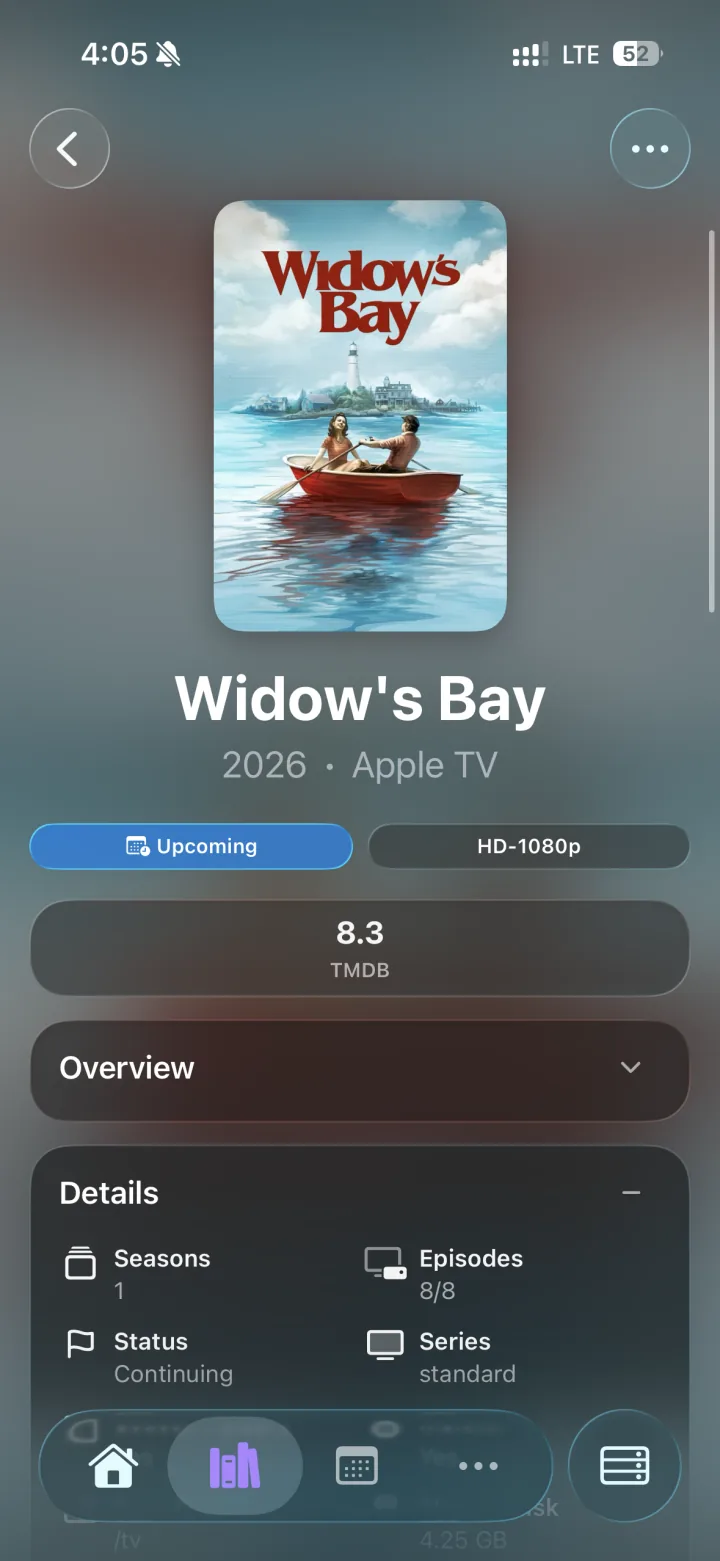
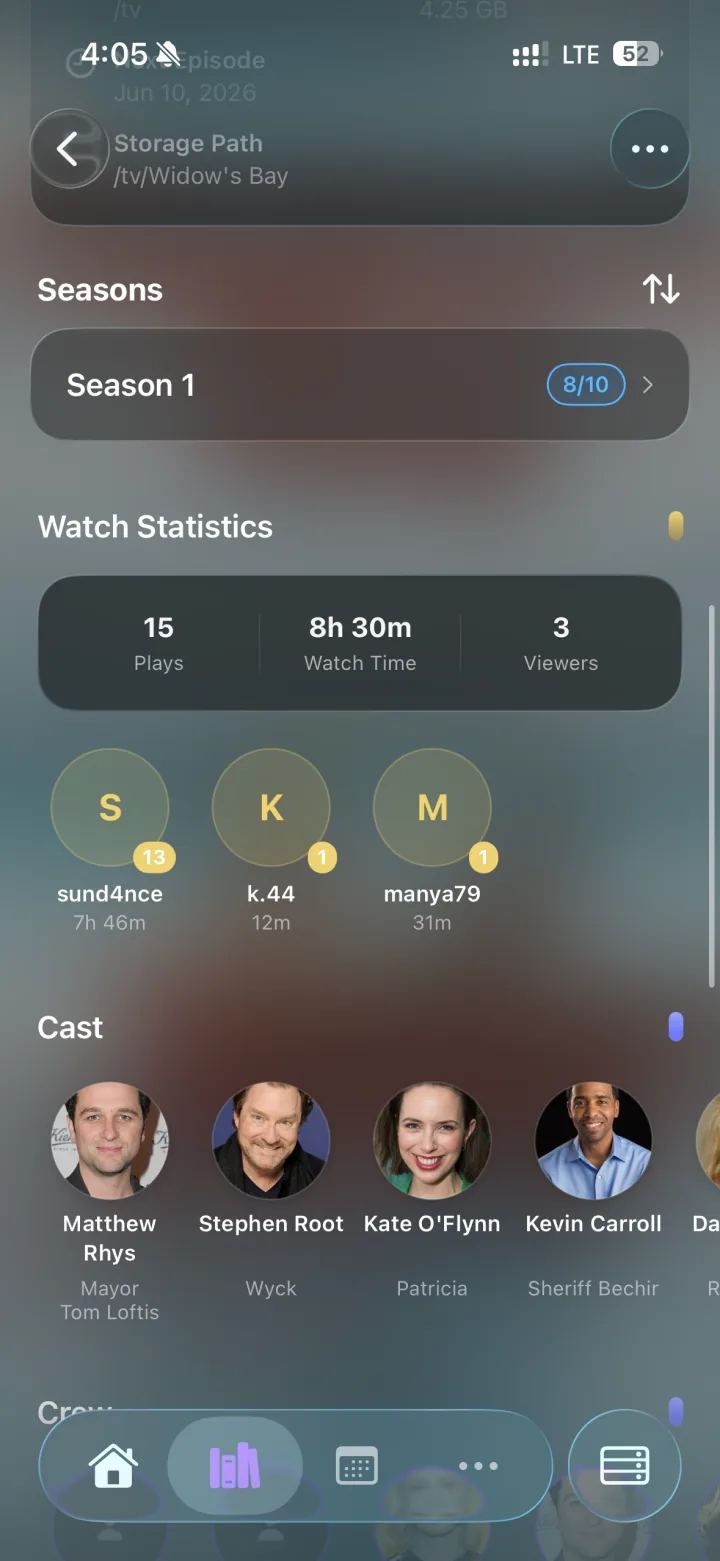
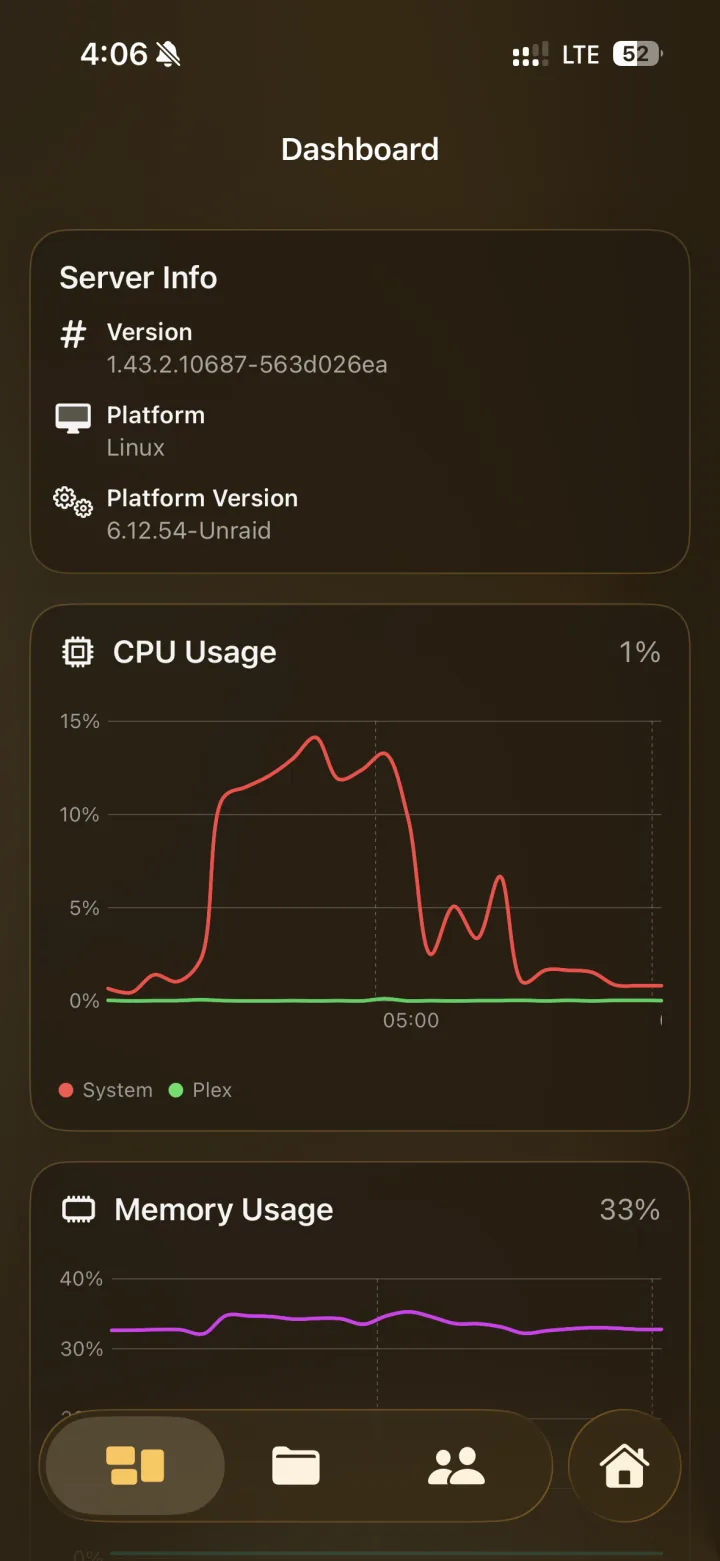
Check queues, calendars, library items, Plex activity, Unraid status and related service data without bouncing between separate web UIs.
The interface is written for iOS, iPadOS and macOS, with layouts that keep common checks usable on a phone and still make sense on a larger screen.
Use the HTTPS endpoints you already expose through Cloudflare Tunnel, Pangolin, Traefik, Caddy, Nginx Proxy Manager, SWAG or another reverse proxy.
Configure separate local and remote hosts for a service. Helmarr can use the reachable path and fall back automatically when your network changes.
qBittorrent + Helmarr
Helmarr is a full qBittorrent remote client for Apple devices. Watch your torrents update in near real time, pause, resume, recheck or reannounce them, adjust priorities, organize with categories and tags, and throttle speed limits globally or per torrent — whether your qBittorrent runs on a NAS at home, a homelab server or a remote seedbox.
Pause, resume, delete, recheck and reannounce torrents, and adjust per-torrent priority without touching the web UI.
Manage categories and tags on the go and set global or per-torrent speed limits when you need bandwidth elsewhere.
The dashboard card refreshes every few seconds with download and upload speeds, and a home-screen widget shows queue size and seeding count at a glance.
Connect over your LAN, a reverse proxy or a remote seedbox URL, with custom headers for auth and automatic local/remote fallback.
FAQ
qBittorrent itself does not run on iOS, but Helmarr is a native remote client: it connects to the qBittorrent Web UI on your server or seedbox and gives you full queue control from iPhone, iPad and Mac.
Yes. Point Helmarr at your seedbox’s qBittorrent endpoint — HTTPS, reverse proxies and custom auth headers are supported, and you can configure separate local and remote URLs.
Besides qBittorrent, Helmarr manages Transmission, Deluge, rTorrent, SABnzbd and NZBGet, so your whole download stack lives in one app.